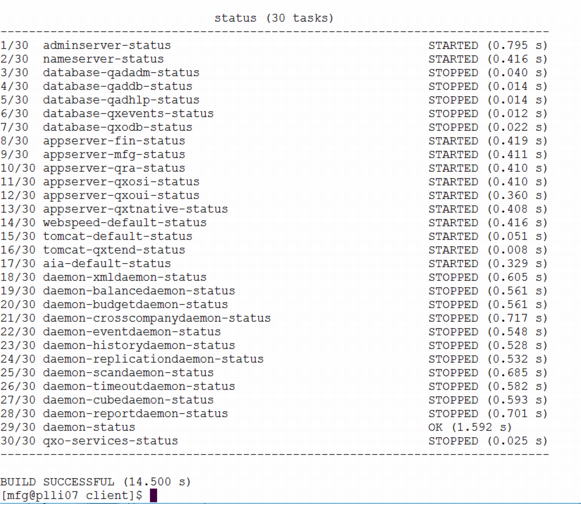
Use the status command to validate that all servers started correctly. Change into the directory where you installed Enterprise Edition and enter:
Review the status list to ensure that required services display STARTED. Daemon processes read STOPPED after initial installation, as illustrated in
Services Started, and will remain stopped until they are configured. Daemon setup is described in the
QAD System Administration User Guide. If other services are stopped or for more information, see
Troubleshooting.