Asset Component Maintenance
Access this function by choosing Detail on the Fixed Asset Maintenance header.
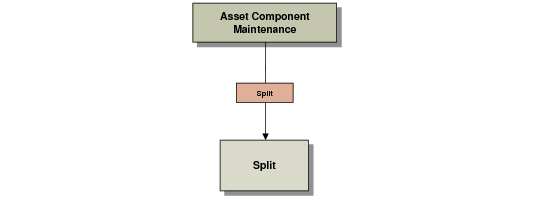
Asset Component Maintenance Screen illustrates the different screens you can access with the navigation buttons.
Asset Component Maintenance Screen
Use this function to maintain serial numbers, tag numbers, and costs for each asset or asset component. For example, if the fixed asset has separate components, you can track the asset and all of its components. If you want to modify an existing tag, you must first delete it and then create a new tag.
When an asset is created, the asset component records are automatically created based on the value entered in the Components field on the Fixed Asset Maintenance header screen.
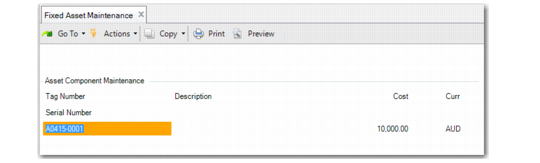
Fixed Asset Maintenance, Asset Component Maintenance
Tag Number
Enter a unique tag number for the asset component. You can access this field only if you are adding a tag.
Description
Enter up to 20 characters describing this asset component.
Cost
Enter the amount paid to acquire the asset component. This amount is automatically calculated by dividing the cost by the number of components entered on the Fixed Asset Maintenance header screen. If you change this amount, the total amounts for all asset components must equal the value in the Cost field on the Fixed Asset Maintenance header.
Serial Number
Optionally enter a serial number for the asset. This number is a unique identifier for the asset and is not necessarily the same as the asset ID.