Creating Customer Invoices Manually
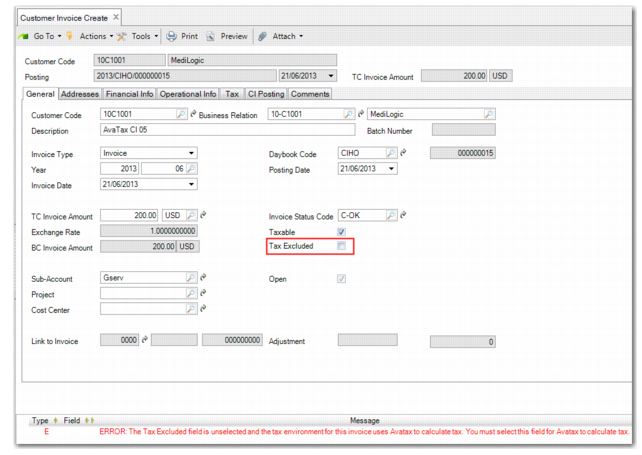
When using Customer Invoice Create to manually create invoices for which AvaTax will calculate tax, you must select the Tax Excluded field. If you do not select the Tax Excluded field, an error message displays when you try to save the invoice.
Customer Invoice Create