Link Attribute Categories to an Item Profile
The Item Category Maintenance function allows you to optionally assign an item profile attribute to an attribute category. A profile attribute can be assigned to one or more categories.
Follow these steps to link one or more attribute categories to an item profile:
1 Open the item profile.
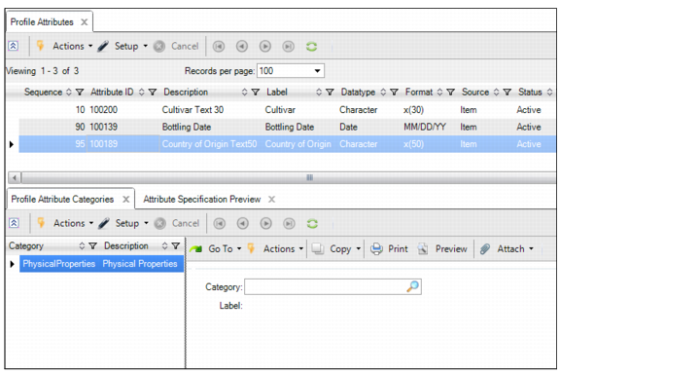
2 Select Create in the Profile Attribute Categories tab.
Profile Attribute Categories Tab
3 Enter the required information in the following fields:
Category
Select an attribute category from the available list. For information about adding attribute categories, see
Item Attribute Categories.
Label
Displays the label for the selected category.