Manually Creating Lot Attribute Orders
Follow these steps to manually create a lot attribute order:
1 You can manually create lot attribute orders for an item lot that is in inventory or for a shipment of sales inventory.
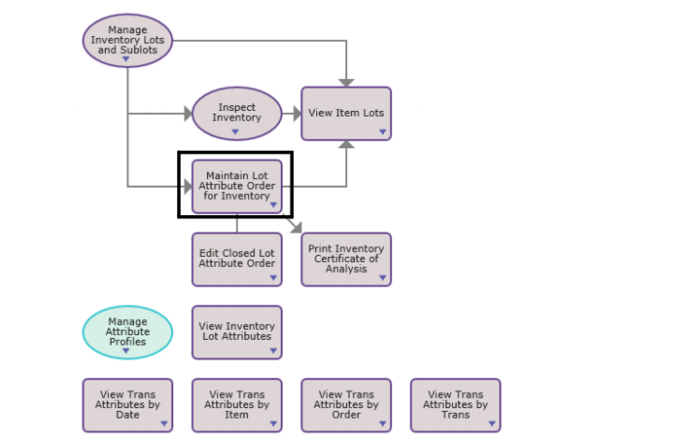
• Inventory. To manually create a lot attribute order for inventory, select Maintain Lot Attribute Order for Inventory from the Manage Inventory with Attributes process map.
Manage Inventory with Attributes Process Map
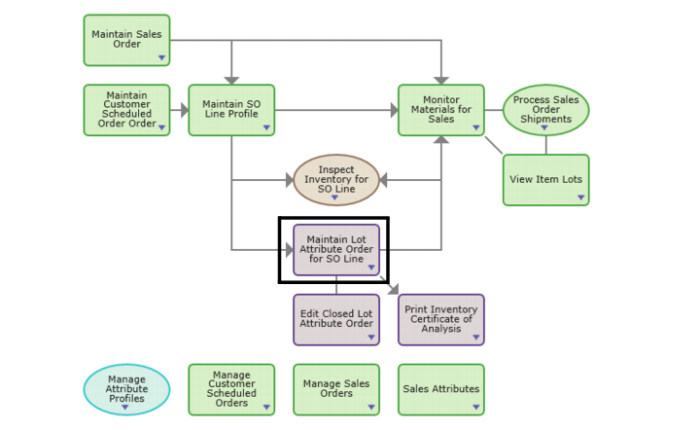
• Sales. To manually create a lot attribute order for an item lot, select Maintain Lot Attribute Order for SO Line from the Manage Sales with Attributes process map.
Manage Lot Attribute Order for SO Line Process Map
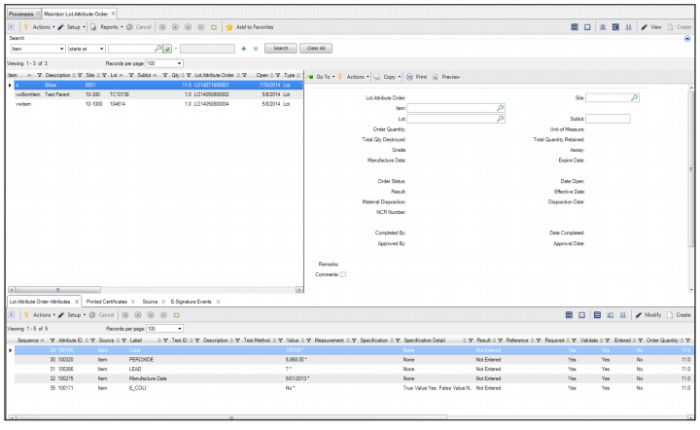
2 Click the Create button in the top-level browse. A blank lot attribute order opens.
Manually Creating a Lot Attribute Order
Note: To add an item to an order, the item lot must be in inventory
4 When the item is added to the order, the associated attributes are populated into the Lot Attributes Order Attribute tab.