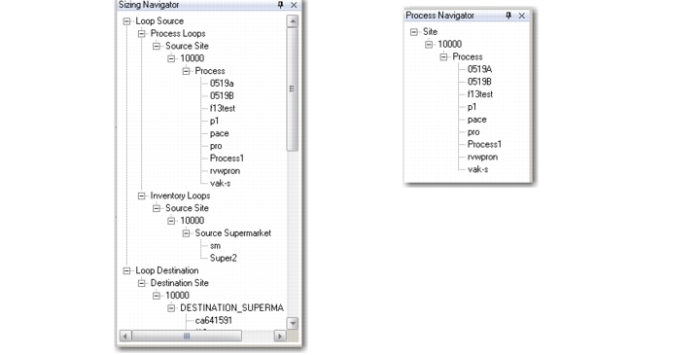
Navigator Frame
The Navigator Frame displays the results of the filtered selection in a tree structure. By clicking the plus sign (+) on a node, you can view lower-level records. Click the node name to view all the available child records in the Main Grid.
Example: In Kanban Sizing Workbench, you define a search filter to equal a Source Site and specify a site number. The Main Grid frame shows only loops sourced from that site. By drilling down through the tree structure, you can select down to the level of individual processes and inventory supermarkets. When you click one of these, the Main Grid displays only the individual loop records associated with that supermarket.
Note: The structure of the tree varies both by which workbench you are using and the criteria specified in the Search frame.