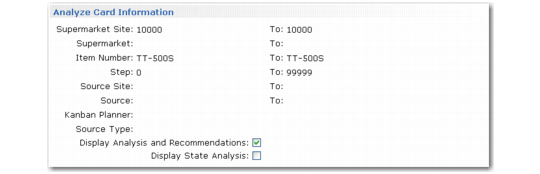
Analyze Card Information
Use this function to analyze kanban card information for all cards in a loop.
You can view loop analysis information and system recommendations, and/or kanban card state analysis information, depending on the settings of the associated fields.
Kanban Card Management, Analyze Card Information Frame
Initially, the system displays a list of the loops meeting the Kanban Card Management selection criteria. Select a loop and choose Go:
• When Display Analysis and Recommendations is Yes, the system displays a summary of card data, including the kanban quantity and number of cards from the loop record, as well as the number of active cards, limited-use cards, total actual cards, and the difference between the loop number and the actual number of cards. It also summarizes recommendations for making the actual number of cards match the loop number. Two-card loops show replenishment and move cards on separate lines.
• When Display State Analysis is Yes, the system displays the total number of cards in each active status, summarized by the current kanban status. Two-card loops show separate lists for replenishment and move cards.