QAD 2017 Enterprise Edition
>
User Guides
>
Planning and Scheduling Workbenches Administration
>
Introduction
>
Overview
Overview
The QAD Planning and Scheduling Workbenches are .NET UI-only scheduling tools that run in the QAD Enterprise Edition. The tool lets you effectively plan and schedule resources for a master schedule or a production schedule from a single workbench for each type of schedule.
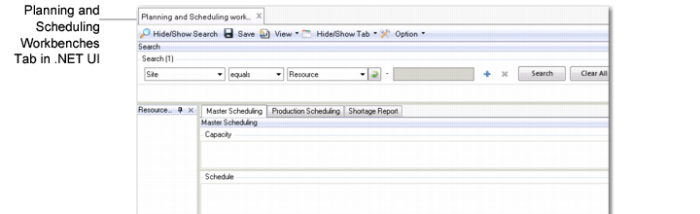
You run the workbenches from the .NET UI’s list of applications. The .NET UI tab indicates the Planning and Scheduling Workbenches; see
QAD Planning and Scheduling Workbenches.
QAD Planning and Scheduling Workbenches
Once you access the workbench, you can use the following functions and features:
• Master Scheduling Workbench (MSW)
• Production Scheduling Workbench (PSW)
• Integrated component availability capabilities
• Several QAD EE programs and browses that provide supporting information
• The flexibility to modify and configure virtually every aspect of the UI to reflect the needs of each application user in your organization
This document focuses on topics of interest to system administrators who troubleshoot issues or problems, analyze behavior, interact with the components or processes, or customize the workbenches. Topics within this guide include discussions on:
• How the workbenches work and background processing
• System load and performance and troubleshooting information
• Data dimensions
• XML that builds the UI
• UI customization
The following topics briefly discuss each major component.