QAD 2017 Enterprise Edition
>
User Guides
>
Planning and Scheduling Workbenches Administration
>
Personalization Architecture
>
Adding Column Header Labels
Adding Column Header Labels
The column header label of a newly-added column can be specified as follows:
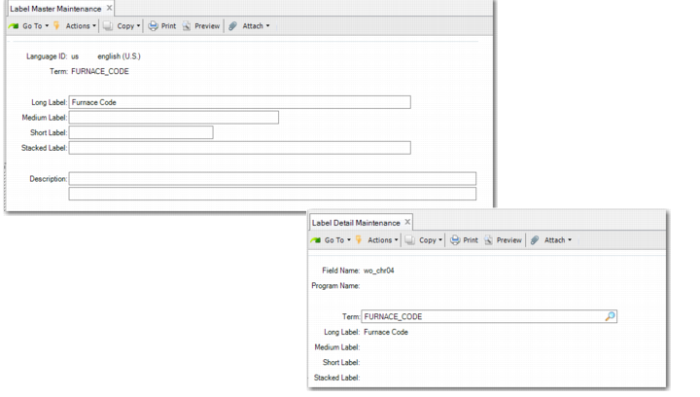
1 Using Label Master Browse (36.4.17.2) locate an existing label term that you can use for the column's header label. When no appropriate label exists, use Label Master Maintenance (36.4.17.1) to create one.
2 Using Label Detail Maintenance (36.4.17.5) create an entry for the column. Reference the label term of the label selected or created in the previous step.
Label Master Maintenance (36.4.17.1) and Label Detail Maintenance (36.4.17.5)