Testing the Setup
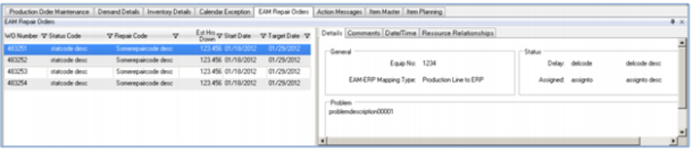
You can test the EAM-workbenches integration setup by going to EAM, then Work Orders. Select your equipment (work center) then try creating a work order for the work center. You must set these important workbenches-related fields:
• Estimated down start date and time within your MSW/PSW scheduling start and end dates
• Equipment number
• Clearance Code has to indicate Manufacturing Impact
When you create the work order in EAM, then save it, you should see the order in the workbenches EAM Repair Orders tab; see
Work Order Status.
Work Order Status