Approving MRP Planned Orders
You can also create a purchase requisition by approving MRP planned orders using Planned Purchase Order Approval (23.11).
Planned Purchase Order Approval (23.11)
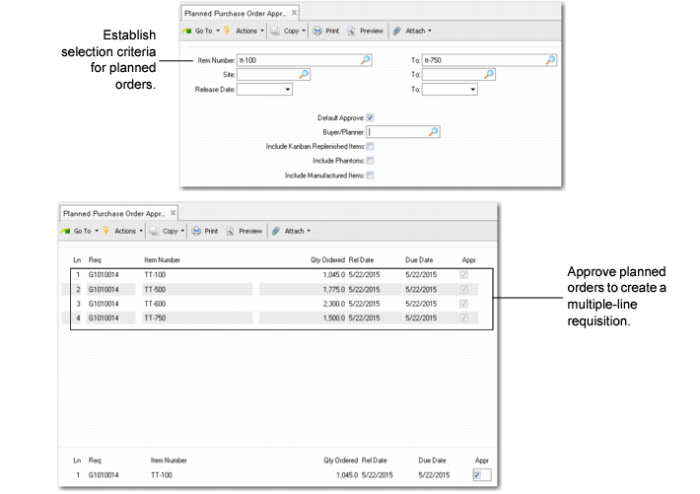
In the first screen of Planned Purchase Order Approval, you set selection criteria for MRP planned orders. You then set the Approve field to Yes or No for each planned order, as appropriate. The system creates one multiple-line requisition that includes all the approved planned orders. The new requisition number appears on all approved lines.
Use Requisition Maintenance (5.2.3) to make any required changes to the new requisition before beginning the approval process.