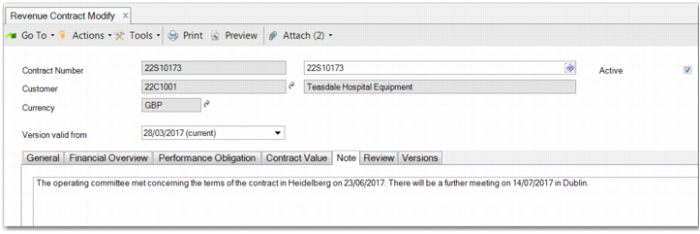
Note Tab
The Note tab enables you to make notes on the contract. You can enter details of any review processes or provide information concerning any documents that you have attached to the contract.
Revenue Contract Modify – Note Tab
Attachments
To help accounting staff to document revenue contract reviews, you can attach extra documentation to the contract by using the:
• Attach menu
• Attachments panel
• Context menu on a performance obligation line
The attachment title displays the contract number.