Versions Tab
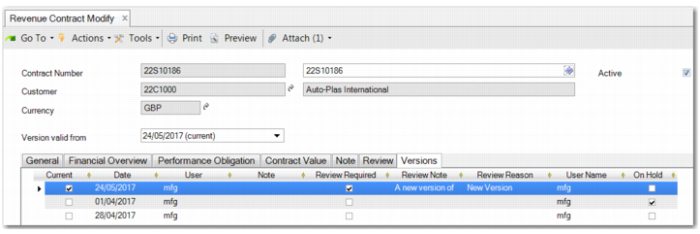
You can view all versions of the contract on the Versions tab. For each version, it displays the date that the version was created, the user who created it, and whether a review is required for the version.
You can also record notes against a particular version of the contract. These notes are version specific, unlike notes that are stored against a revenue contract in general and are visible regardless of the version being displayed.
The Versions tab also informs you which version of the contract is the latest version and which version is currently being displayed.
Revenue Contract Modify – Versions Tab