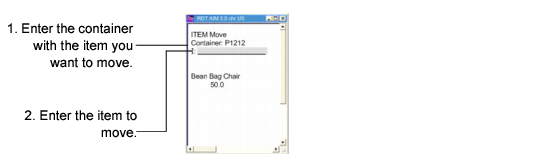
You may need to move items from one container to another container. To do this, select Item Move (3.7) from the RF menu. To move an item, enter the container ID from which you want to move an item. The system displays items in the container; see
RF Item Move. Enter an item at the I: prompt, then specify the quantity to move. The system prompts you to enter the container ID to which you want to move the item. Enter the ID, then click Next. The system displays a message informing you the transfer is complete.