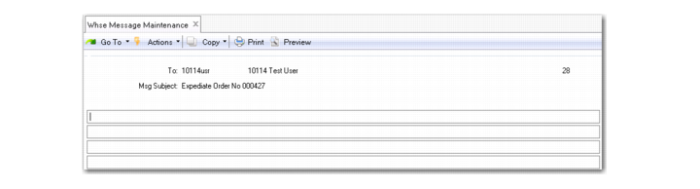
Message Procedure
1 Enter a valid QAD user ID or group of IDs in the To field.
2 Enter a subject for the message; then press Return.
3 Enter text for the message; then press Return.
4 When you press return, the system prompts you to send the message. Accept Yes.
The system informs you that the message was sent to the user.
If you respond to the prompt with No, the system prompts you again to verify that you want to exit without sending the message. If you select No, the system returns you to the Text window to update the message.
Whse Message Maintenance (4.22.1)
To
Enter a valid QAD user ID or group of IDs as defined in User Maintenance (36.4.1)
Msg Subject
Enter a short text description for the message subject.