Updating the SII Information of Existing Invoices
If you are installing version 2.2 of this extension as a replacement for an earlier version of the extension, you must run three utilities to update the SII details for existing invoices. These details are then visible through the Spain SII Invoice browses—Spain SII Supplier Invoice Browse (36.5.8.10.14), Spain SII Customer Invoice Browse (36.5.8.10.15), and Spain SII Status Special Intra-Community Browse (36.5.8.10.13). It is important that you run these utilities in the correct order:
2 Update the Entity Code column of the Spain SII Invoice browses. For more information, see
Adding Entity Codes.
Adding Invoice Reference Numbers
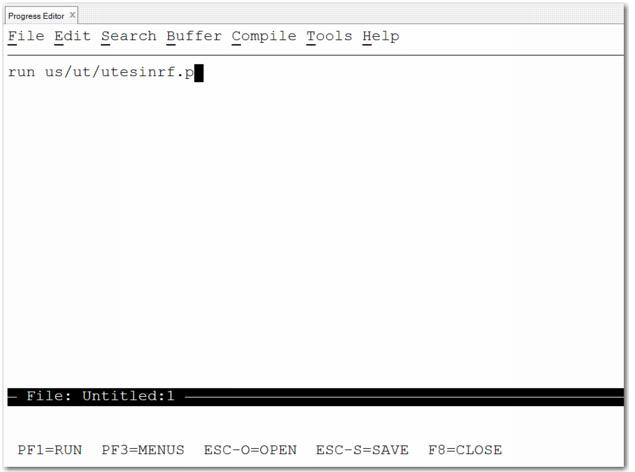
1 Open Progress Editor (36.25.80).
2 Enter run us/ut/utesinrf.p and press F1.
Progress Editor (36.25.80), utesinrf.p Utility
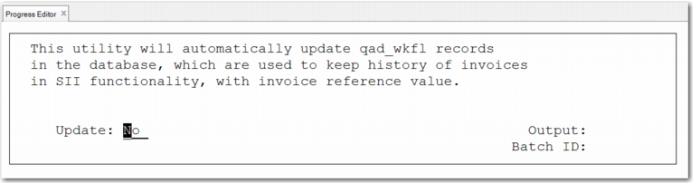
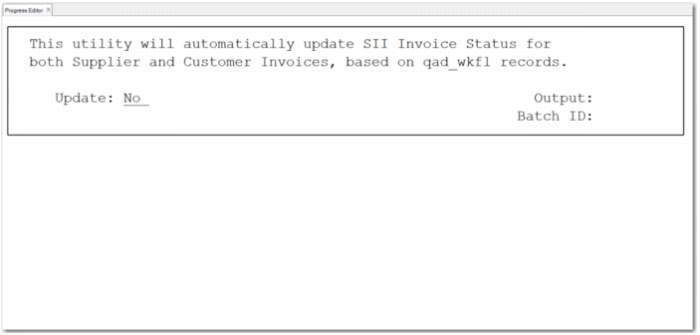
The utility starts, as shown in
Running the utesinrf.p Utility.
Running the utesinrf.p Utility
3 If you run the utility with the Update field set to No, a report shows the content to be updated, but no content is updated.
4 To update the invoice reference values in the Spain SII Supplier Invoice Browse, run the utility with the Update field set to Yes.
5 To confirm that the data is updated, run the utility for a third time, with the Update field set to No. The resulting report shows that there is no content for the update.
Adding Entity Codes
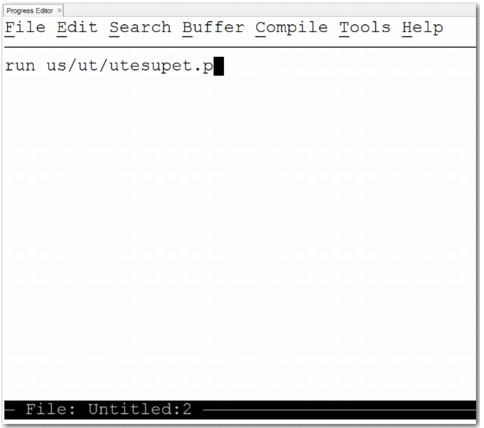
1 Open Progress Editor (36.25.80).
2 Enter run us/ut/utesupet.p and press F1.
Progress Editor (36.25.80), utesupet.p Utility
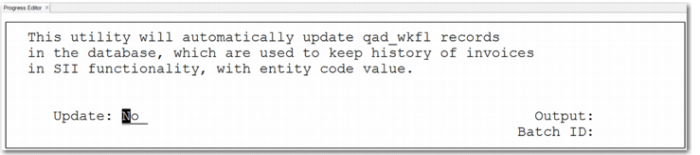
Running the utesupet.p Utility
4 If you run the utility with the Update field set to No, a report shows the content to be updated, but no content is updated.
5 To update the entity code values in the browses, run the utility with the Update field set to Yes.
6 To confirm that the data is updated, run the utility for a third time, with the Update field set to No. The resulting report shows that there is no content for the update.
Updating the SII Invoice Status of Invoices
The utessiis.p utility allows you to update the SII invoice status for all existing invoices. If an invoice has an associated qad_wkfl record, its SII invoice status is taken from qad_wkfl.qad_key3. If an invoice has no associated record (meaning the Spain SII Declaration was never run for it), the SII invoice status remains empty and is displayed as Not Sent in the Spain SII Invoice browses.
1 Open Progress Editor (36.25.80).
Running the utessiis.p Utility
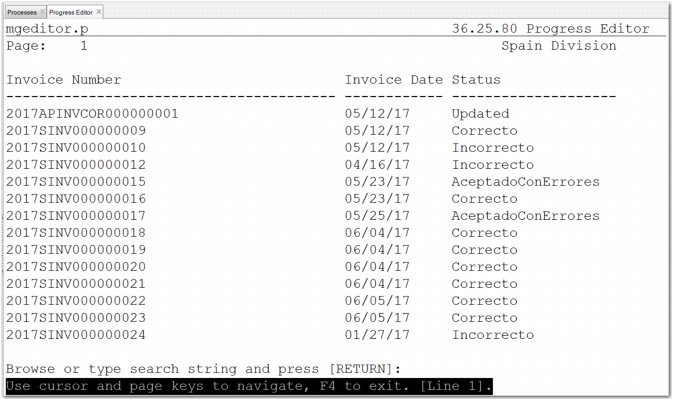
3 To update the SII status field for both supplier and customer invoices, run the utility with the Update field set to Yes. A report shows the invoice status of each updated invoice.
If Spain SII Declaration (36.5.8.10.1) has not been run for an invoice, the SII invoice status remains empty and is displayed as Not Sent in the Spain SII Invoice browses.
Note: You can only run this utility once; if you try to run it again the system displays an error message.
List of Invoices Updated by the utessiis.p Utility