How QAD simplifies repetitive tasks
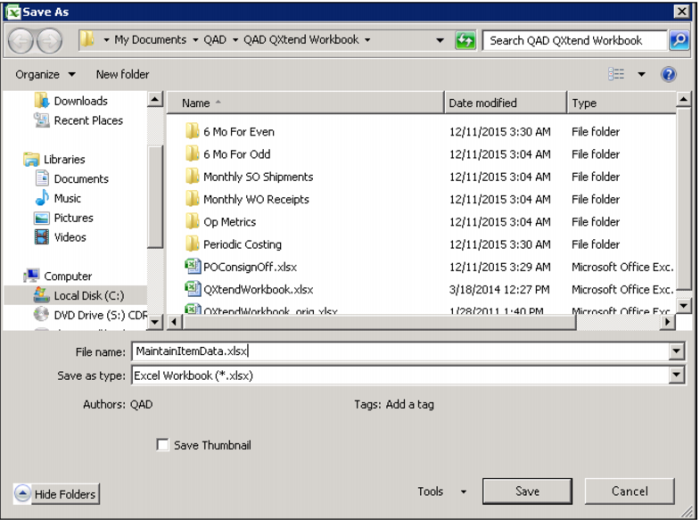
Save Worksheet
When using Q-Xtend to do repetitive tasks, for example to prepare journal entries or post cycle count results, you can save and reuse the same Excel worksheet. Then any user with access to Q-Xtend can use these worksheets.
When you save the worksheet, it keeps all the document actions as well. This means that if you have errors and need to close the worksheet and come back to it later, you can easily do that.
Demo
1. In Excel, click Office

button
2. Select Save As MaintainItemData.xlsx
3. Close worksheet
Key Points
• Q-Xtend worksheets can be reused
• Not version dependent
• Document Actions maintained when worksheet is saved