Logging In
To determine if the Java components of the QXI component are correctly installed, do the following:
1 If you are not going from eB2.1 SP4 to SP6, go to step
2.
If you are going from eB2.1 SP4 to SP6, recompile the AppShell programs with the QXtend Adapter in the PROPATH before the standard QAD Applications code. This action is necessary because the AppShell uses an include file patched as part of the QXtend adapter.
2 Start Tomcat if it is not already running.
3 Launch a browser on your client machine.
4 Navigate to the following URL:
http://<qxtendhost>:8080/<QXI webapp>/index.jsp
The login screen displays.
5 Enter the admin user and password defined previously. Choose OK.
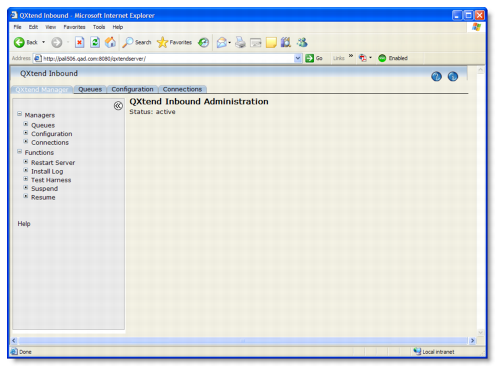
The screen shown in
QXI Main Screen displays.
QXI Main Screen