QXtend Default Configuration GUI
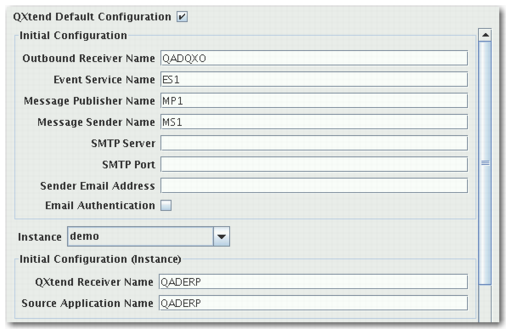
The QXtend Default Configuration screen (
QXtend Default Configuration GUI and
QXtend Default Configuration Panel) displays the default QXtend installation parameters. You use this screen to define the default settings for QXtend Inbound and Outbound.
QXtend Default Configuration GUI
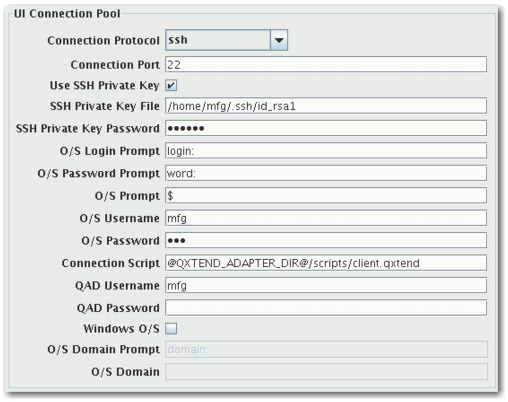
QXtend Default Configuration Panel
This GUI contains the following check boxes, pull-down menus, and fields:
QXtend Default Configuration
This check box specifies whether to load the default configurations for QXtend.
Instance Pulldown
The QXtend installation instance that the default configurations load to.