Configuring the DDP Business Object
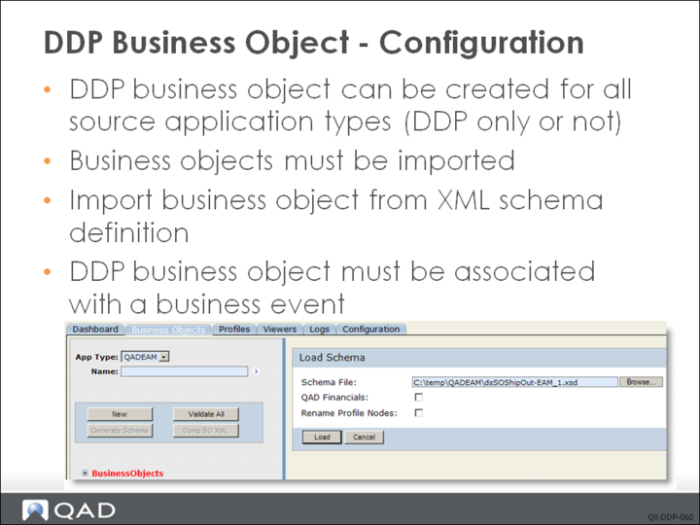
DDP Business objects cannot be manually created or modified—they must be imported from an XML schema definition file. The source application is responsible for supplying the business object definitions. These definitions must be available on the local machine creating the business objects.
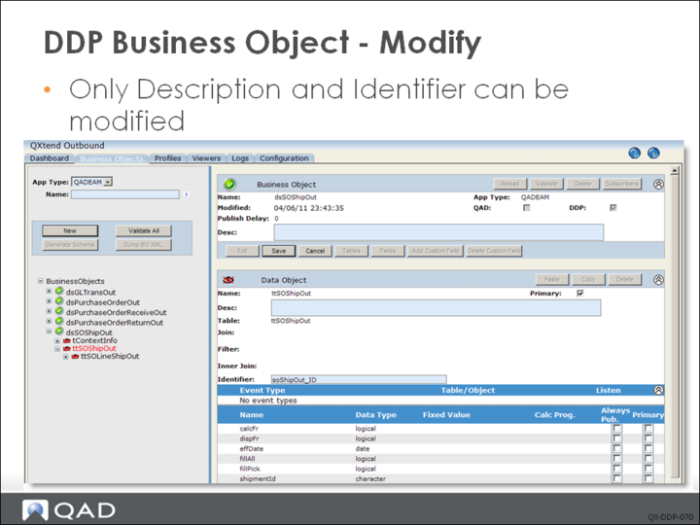
Click New and navigate to the schema definition file for the business object; click Load to load the file. This creates a business object that can be reviewed like any other business object. Only the Description and Identifier fields can be modified.
The Identifier field is used to define which fields in a data object to use to define a unique identifier for that business object instance in the source application.