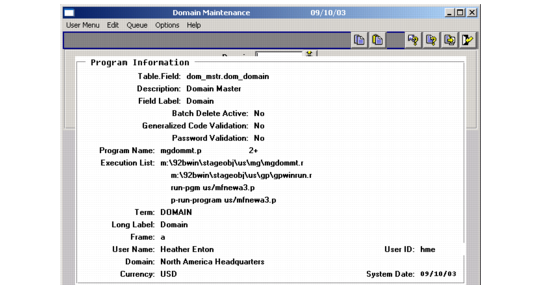
Ctrl+F displays a pop-up window like the one illustrated in Ctrl+F Pop-Up Display with more complete information about the context of the current field. This includes the program name being executed.
Note: Ctrl+F works in character and GUI interfaces only.