Update the Database Structures
Important: Before updating the structure, remove any after image extents from the database.
1 Open a command window and navigate to QADInstallDir.
2 Use the following syntax to add the new storage areas to the required databases.
prostrct add dbname delta-st-file-name
For example, coming from eB2, Service Pack 8:
e:\dlc10\bin\prostrct add .\db\mfgprod e:\qad\inplace\progress\dlteB2SP8-eb21.st
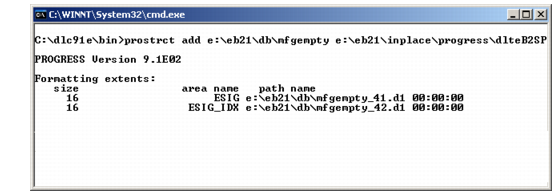
If the update is successful, the result displays.
Sample Successful prostrct Update for mfgempty
3 Repeat step
2 for any other main databases you are upgrading. These may include
mfgdemo,
mfgtrain,
chicago, and so forth.