Delete Prior System Data
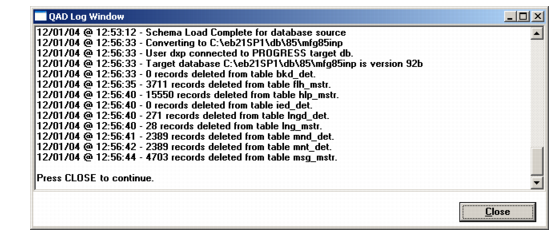
The next step removes obsolete system data from tables such as the field help master (flh_mstr) and message master (msg_mstr).
1 You are prompted to connect to your conversion database as target.
Connect to Target Database
2 The Log Window displays as obsolete system data is deleted.
Delete Prior System Data Log
3 On completion, choose Close to continue.