Reindex and Seed qaddb_ctrl
You now reindex the qaddb_ctrl table to enable the database for the data loads.
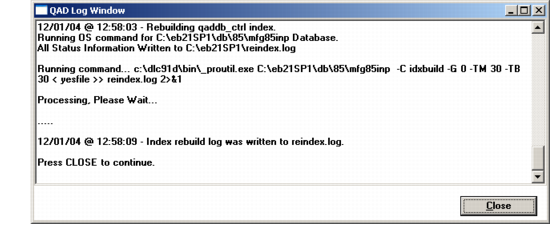
1 The QAD Log Window show reindexing progress for qaddb_ctrl.
qaddb_ctrl Index Rebuild Log
2 Choose Close to continue.
3 Connect to the target database again.
Connect to Target
4 The Log Window displays to confirm the connection. Choose Close to continue.
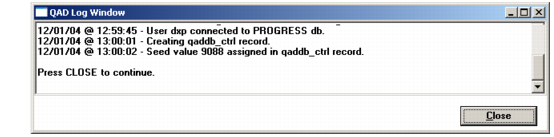
5 The Log Window displays again showing progress as a qaddb_ctrl record is created and the initial seed value assigned.
QAD Log Window
6 Close the Log Window on completion.