Associating Options With a Function Group
The next step is to associate options with the option group you have created. To do this:
1 Open the Option group options for the WEBNQ function group.
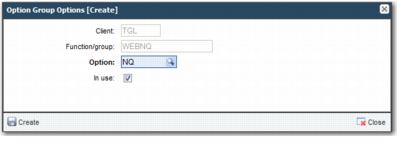
2 To add an option to the group, click the Create button.
3 Add the NQ option to the function group, as displayed in
Add an Option.
Add an Option
4 Continue to add the other options you need for this role.