QAD Enterprise Asset Management 2017.1
>
User Guide
>
Inventory
>
Inventory
>
Browse Inventory Information
Browse Inventory Information
Inventory Transaction History
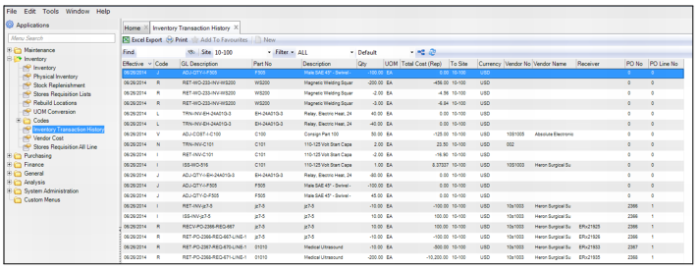
The Inventory Transaction History browse, which is located in Inventory|Inventory Transaction History, displays the inventory activity history for inventory parts. When an accounting period is closed, the system automatically records the inventory activity history for that period. The inventory activity history is not stored on a period-by-period basis.
Note: Accounting periods are set up in GL Calendar at Finance|Accounting|GL Calendar. See
GL Calendar. When an accounting period is closed, EAM can create an inventory history for that closed period. This option is controlled by enabling the Create Inventory History? check box on the General tab in General|Business Units|Sites. See
Filling Out the Site Record.
Inventory Transaction History Browse
Vendor Cost
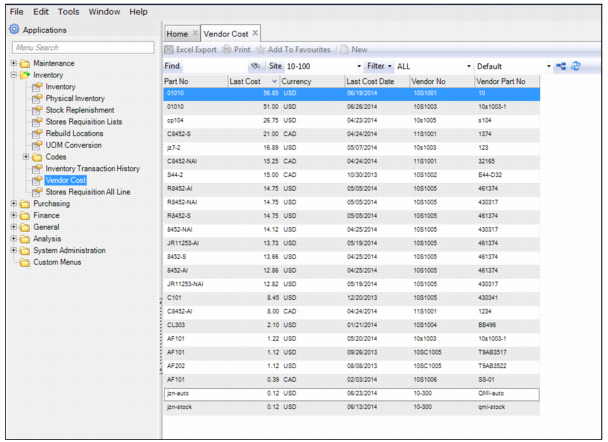
The Vendor Cost browse, located in Inventory|Vendor Cost, displays the last cost for each part.
Inventory Transaction History Browse