QAD Enterprise Asset Management 2017.1
>
User Guide
>
Projects
>
Jobs
>
Creating a Job
Creating a Job
Follow these steps to create a job for a project:
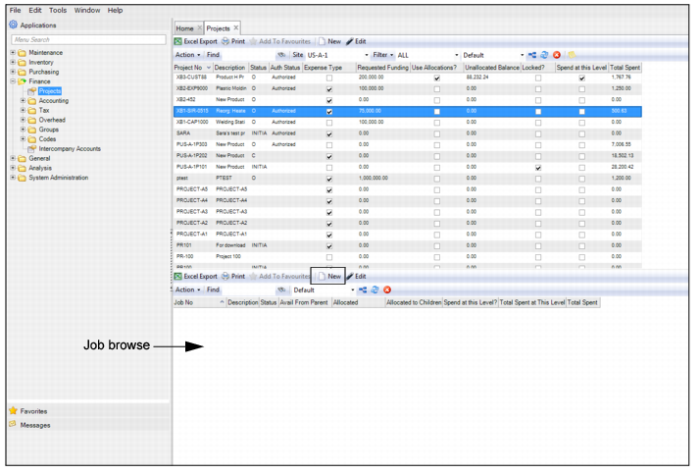
1 Open the Projects browse and highlight the project to which you want to add the job.
2 In the lower browse, click New.
Job Browse
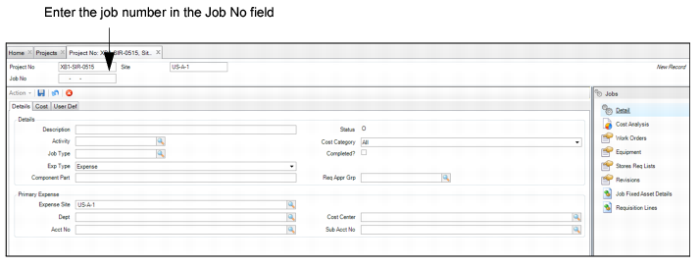
3 Enter the job number in the Job No field.
Job Record
5 Click Save