Sales Process
Overview
In this section, you will learn how sales orders are processed in QAD Enterprise Applications, concentrating on the Financials side of the process. You will also see what data must be set up in Financials.
Functional Overview
In the following pages, you will examine the sales orders process flow from quote to invoice. After reviewing the setup prerequisites, you will learn more about the invoicing process.
SO Process Flow
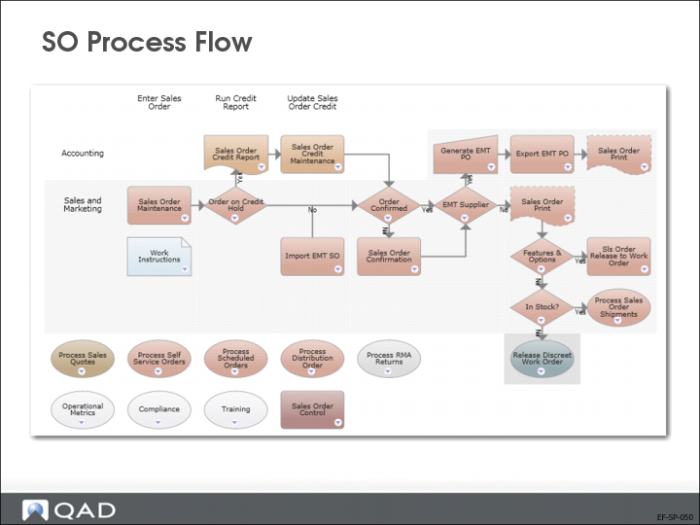
The process map displays the sales order process flow from entering a sales order to shipping.
• The sales order may need to be confirmed. If the customer is on credit hold, the order cannot be confirmed.
• Sales order shipments create unposted transactions. Run Operational Transactions Post (25.13.7) to post the transactions to Financials.
Setup Prerequisites: Customer
Customer Record
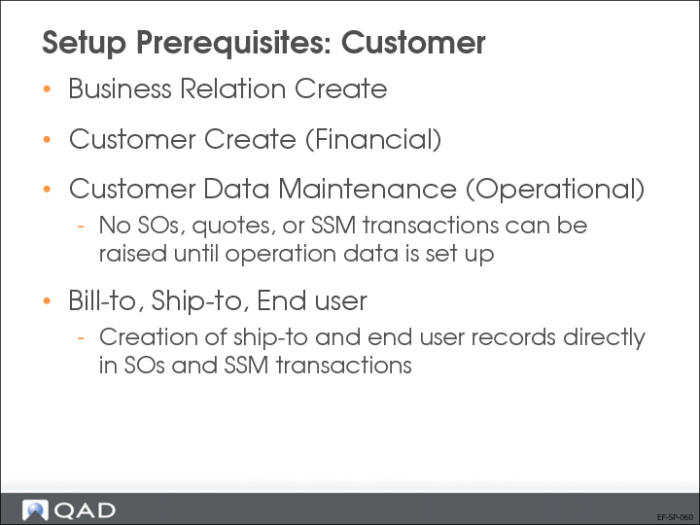
Before you can record operational transactions, such as sales orders, for a specific customer; you must create operational data (sites) for the customer in Customer Data Maintenance (2.1.1).
You can create additional addresses, such as the bill-to or ship-to, as required when creating sales orders or in the Service and Support Management module.
When transactions have been recorded for a customer, you cannot delete the customer data. However, you can mark the customer record inactive in Financials to prevent new orders from being created for the customer.
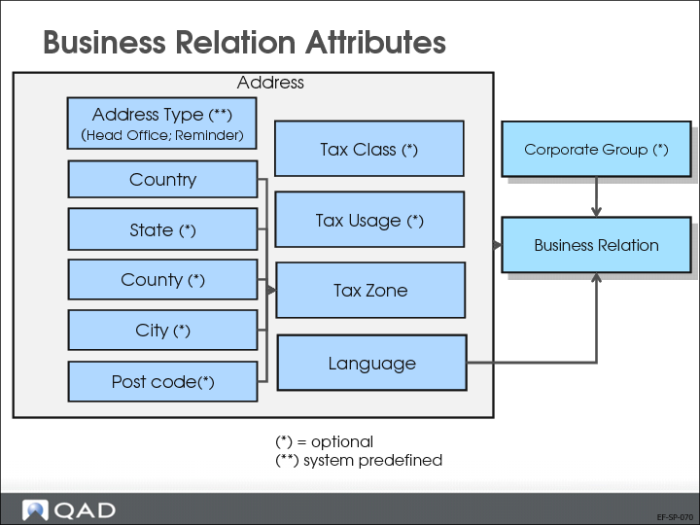
Business Relation Attributes
The slide displays which business relation attributes are used on a sales order.
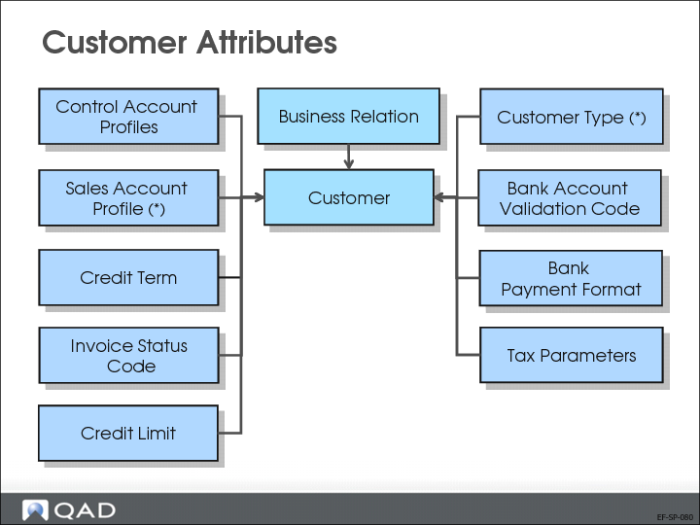
Customer Attributes
The slide displays the sales orders attributes that originate from the customer record. These attributes must be defined before the customer can be used on transactions.
Setup Prerequisites: Other
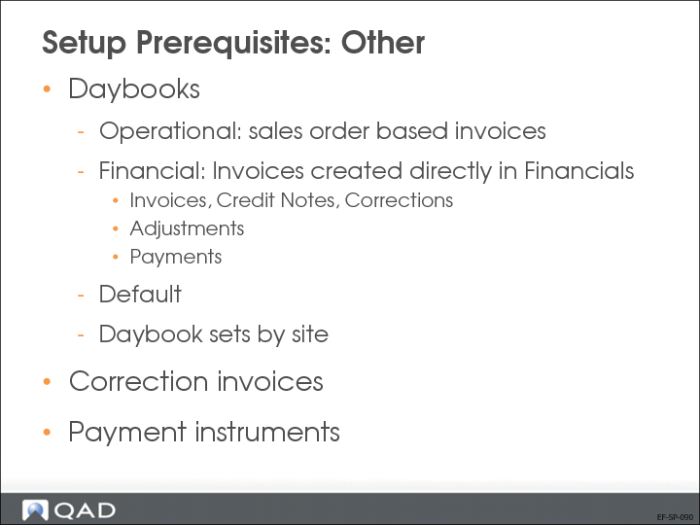
Daybooks are required for operational transactions such as sales order shipments, and financial transactions such as invoices, credit notes, adjustments, and payments. Default daybooks can be set up to facilitate order entry and invoice creation. Daybook sets are linked to customers to determine which daybook to use for each specific payment. See
Customer Setup for more information.
Correction invoices are used to link invoices for correction, such as price increases and decreases, and quantity adjustments, to the original invoice. Select the Use Correction Invoice field in Sales Order Accounting Control (36.9.6) if you want to use this feature.
You must define payment instruments in order to process payments. The payment instrument setup is described in
Banking Setup.