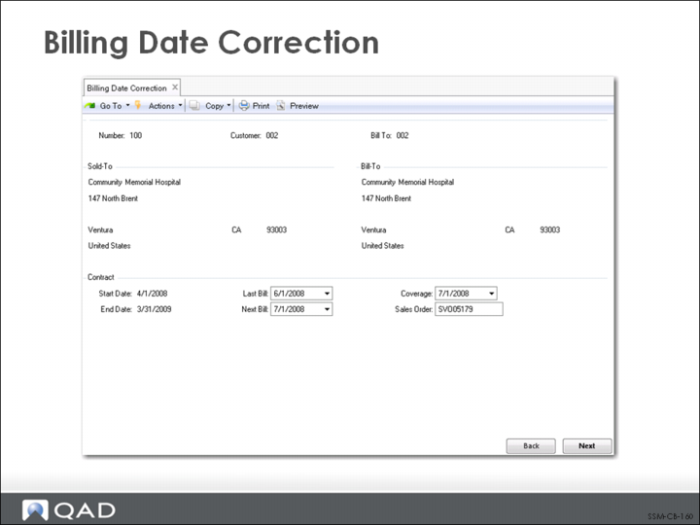
Billing Date Correction
To correct a posted invoice, follow these steps:
1 Create a manual credit invoice using Pending Invoice Maintenance. Then use Invoice Post to credit the mistakenly billed amount.
2 Use Billing Date Correction to reset billing dates that were updated by Billing Release to Invoice. You must reset the dates on each affected contract line.
3 Use Contract Maintenance to make the necessary changes to contract data.
4 Use Billing Release to Invoice to re-release the contract to billing.