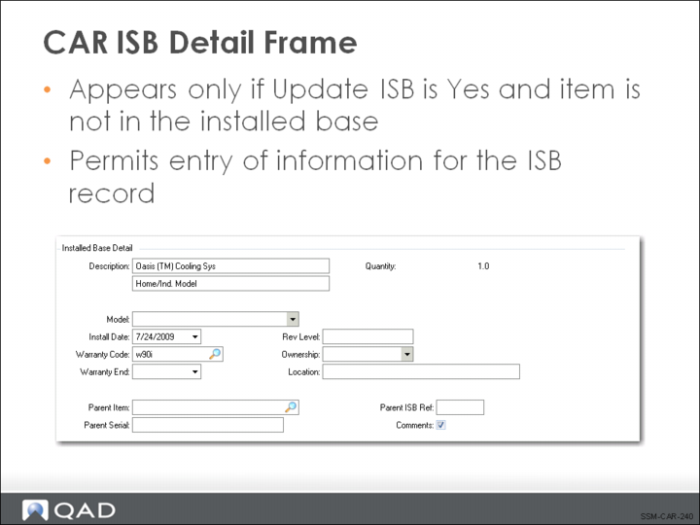
CAR ISB Detail Frame
If the Update ISB field is set to Yes for the item being repaired and the item is not currently in the installed base, a pop-up window displays for information to use on the ISB record. If the item being repaired is a component of another, you can specify a parent item and serial number so that the installed base configuration is properly updated.
This frame is similar to the one that you saw in Sales Order Maintenance when we created a sales order and shipped an item to the installed base in
topic (see
ISB Records in Sales Orders).
If you specify that the item should be added to the installed base with an active warranty, you will be prompted to change the effective service type to the warranty type for coverage of usage details on this call line.