Charge Summary
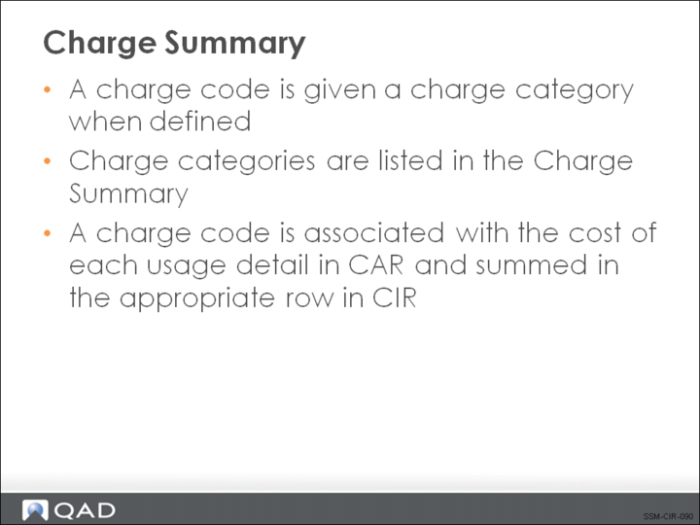
The invoice sort and charge code information is used to build the Charge Summary in the top half of the CIR summary screen. Basically, the rows and columns in the Charge Summary show a grid relating invoice sorts (columns) with types of charge codes (rows). Costs for all invoice sort codes with Type set to L are summarized in the column labeled Hrs Cost. Similarly, costs for invoice sorts with Type set to I are displayed in the column labeled Item Cost, and with Type set to E in Exp Cost.
These costs are further broken out by the type of charge involved. Each of the seven fields in the Charge Code Maintenance function represents a different type of charge code. These seven values correspond to the seven rows in the Charge Summary.