Creating Text Rows
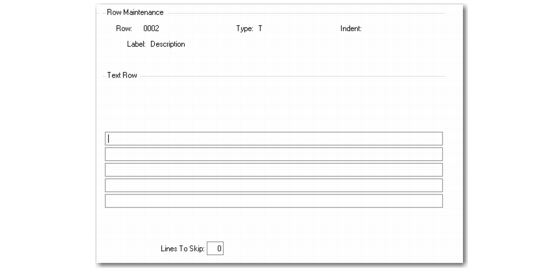
If you enter T for Type on the second screen of Row Group Maintenance, a Text Row frame displays.
Row Group Maintenance, Text Row
Text
Enter the text to appear after the row label. All text appears within the width assigned for row labels. Any words that extend beyond the row width wrap onto the next line. However, if a single word extends beyond the row width, the system cuts off the letters that do not fit. See
Row Width.
Lines To Skip
Enter the number of blank lines to be printed after this row. If the row is exploded, the specified number of lines is printed after the Total line.