Entering Quality Order Results
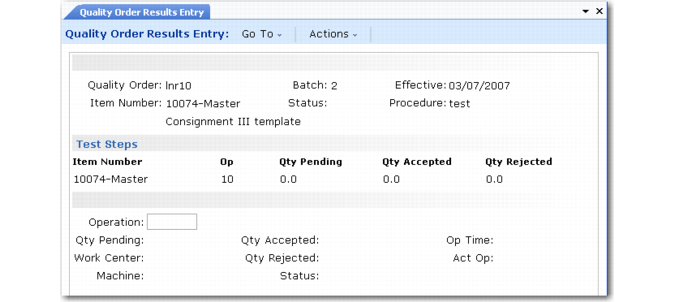
Enter results of a test or inspection in Quality Order Results Entry (19.11). This program also moves material out of inspection and issues supplies required by inspection.
Quality Order Results Entry (19.11)
You can record results for an order, for each operation on an order, or for each specification for an operation. For an order, you can record total quantity accepted and rejected. For an operation, you can record quantity accepted and rejected, actual time required for testing, and comments. For each specification, you can enter results and comments.
You can also change the quantity pending for an operation. You might do this if the quantity rejected at a previous operation results in units being scrapped, and thereby made unavailable for inspection at the current operation.