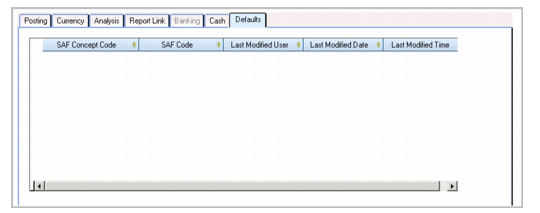
Defaults Tab
Use the Defaults tab to specify which concepts within a structure to associate with the account and specify default values for the concepts. Only one default can be specified for each concept. The defaults are used when a code value is not supplied in a transaction. These fields are not required. See
SAF Defaulting.
GL Account, Defaults Tab
Field Descriptions
SAF Concept
Select an SAF concept to link to this account.
SAF Code
Select an SAF code related to the concept for this account.
Last Modified Date/Time and User
These read-only fields display the ID of the user who last updated this record and the date and time of update.