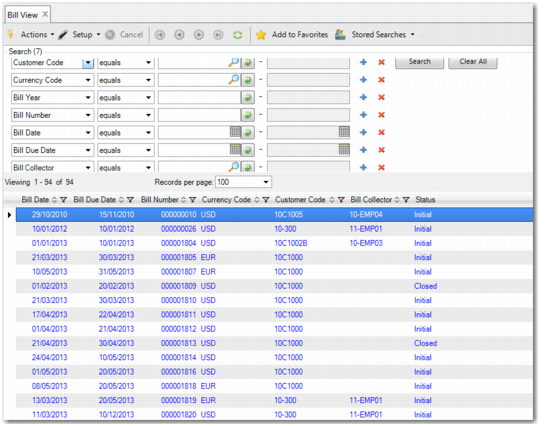
In Bill View (27.3.2.3), you can view a bill with any status. Using the search criteria, you can sort the data to suit your needs. The search criteria include Bill Date, Bill Number, Bill Entity, Bill Due Date, and Bill Year. The grid contains the same columns as Bill Create.
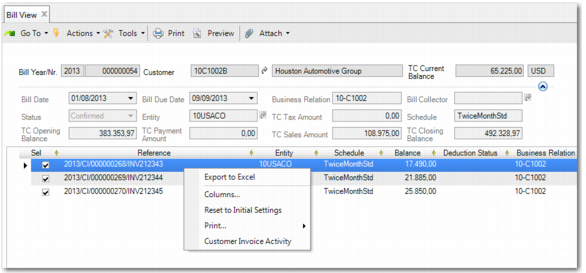
In the Bill View header, when the status of a bill is Initial, the displayed fields always have a zero value. All fields are read-only. From Bill View, you can also drill down to see activity on each invoice by double-clicking or right-clicking the relevant invoice, as displayed in
Bill View.