Moving and Resequencing Columns
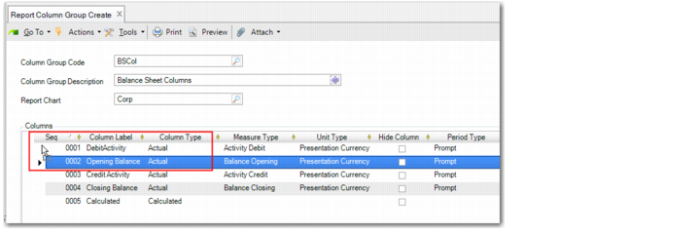
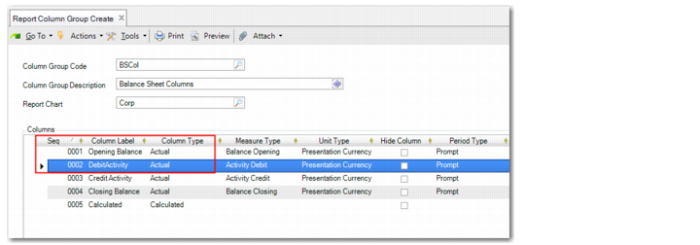
In the grid of Report Column Group Create and Report Column Group Modify (25.16.12.2), you can move and rearrange columns by selecting, dragging, and dropping the grid row for the column. The system then automatically updates the column sequence numbers to reflect the new order.
If you move a column referenced in a calculation formula to a new position and sequence number, the system automatically updates formulas with the column to reflect the column’s new sequence number. If you try to delete a column row that is used in a formula, the system displays a warning message.
Report Column Group Create, Moving a Row
Report Column Group Create, Resquenced Rows