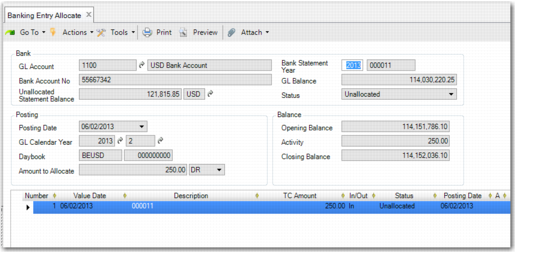
Use Banking Entry Allocate (31.1.5) to browse for unallocated or partially allocated banking entries for full allocation. You can also go directly to the allocation methods by right-clicking on a grid line entry.
When you select an entry, the system displays the Banking Entry Allocate screen. This screen is similar to Banking Entry Create, but most of the header fields are read-only. Complete the allocation process by selecting one of the allocation methods for each line. This process is exactly the same as allocating during Banking Entry Create. See
Allocating Bank Entry Lines.
Use the Currency Details and Value Details options to manage foreign currency banking entries. See
Value Details and
Currency Details.