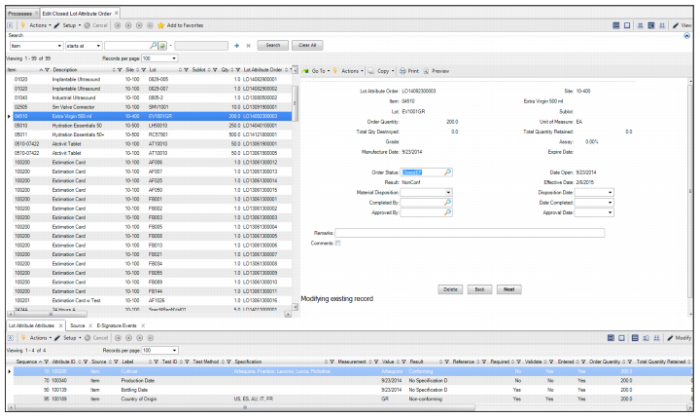
Editing a Closed Lot Attribute Order
In IAQ, you can edit a limited number of fields on a closed lot attribute order by using the Edit Closed Lot Attribute Order program. Follow these steps to edit a closed order:
2 Select the Edit Closed Quality Order from the process map.
3 Select the order in the top level browse and click Modify. While you modify the closed quality order for corrections, the system temporarily changes the status to Closed Edit Pending, allowing you to update fields for Order Status, Material Disposition, Disposition Date, Completed By, Date Completed, Approved By, Approval Date, Remarks, and Comments. For detailed field definitions, see
Lot Attribute or Quality Orders Field Descriptions.
Editing a Closed Lot Attribute Order
4 After you have completed the necessary changes, set the order status to Closed.