QAD 2017 Enterprise Edition > User Guides > Item Attributes and Quality Control > Quality Control > Certificate of Analysis > Printing the COA from a Quality or Lot Attribute Order
  
Printing the COA from a Quality or Lot Attribute Order
Follow these steps to print the COA from a lot attribute or quality order:
1 Navigate to the correct lot attribute or quality order collection (inventory, purchasing, sales, or production). See Navigating to the Correct Type of Order or Navigating to Quality Order Collections.
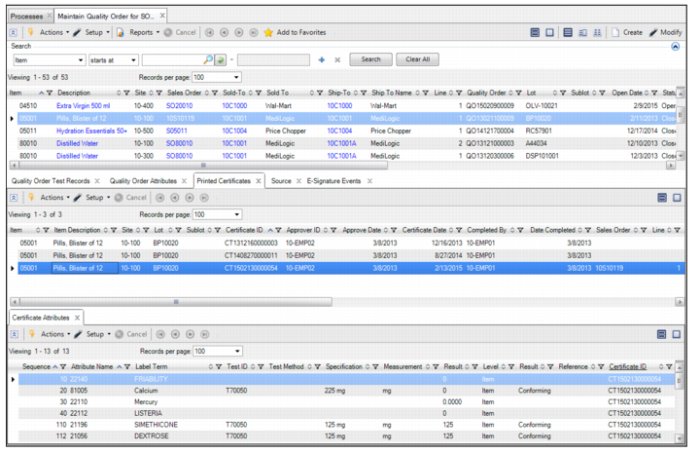
2 Select the Printed Certificates tab.
3 Highlight the COA and select Reprint.

Quality Order Collection - Printed Certificates Tab