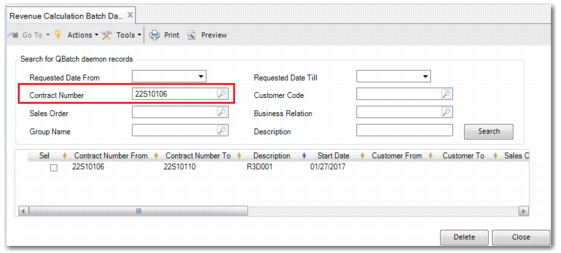
When you no longer need a queue record—for example, a revenue contract has ended—you can delete it using Revenue Calculation Batch Daemon Delete (37.3.2). You can search for queue records using the filters. For example, you can specify a contract number and click Search, as displayed in
Revenue Calculation Batch Daemon Delete.
To delete a record, select the Select field and click Delete. The record is permanently deleted.