Creating and Printing Bulk Tags
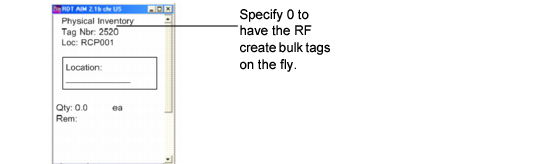
Use Bulk Tag Create (3.16.2) to create bulk tags and Tag Print (3.16.6) to print them. Creating and printing bulk tags is optional because the system creates them on-the-fly from the RF when you specify 0 (zero) in the tag number field within the RF Tag Count Entry (1.11) option; see
RF Tag Count Entry, Tag Number Field.
When you specify 0, the system creates a bulk tag and uses the next available number for tags.
RF Tag Count Entry, Tag Number Field