Obtaining SEFAZ Authorization Manually
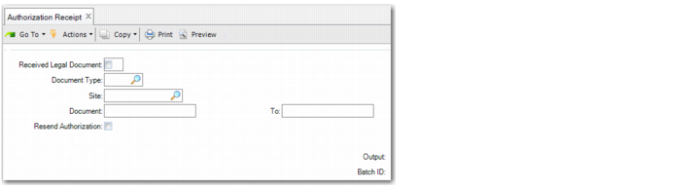
Use Authorization Receipt (7.10.7.5) to request electronic nota fiscal authorization from SEFAZ, or to generate and send an electronic nota fiscal file to SEFAZ by Internet if the original transmission, for example, using the shipper process, failed.
Use Authorization Receipt in the following cases:
• To send an electronic
nota fiscal file for contingency types 2 or 5. See
Using Contingencies.
• If the regular process for generating and transmitting the XML file exceeds the number of retries, you can send the XML file to SEFAZ using this option.
• If you receive an In Process message from SEFAZ when you send an electronic nota fiscal XML file, you can use Authorization Receipt to verify if the file was accepted or rejected. The In Process status indicates that the XML file is queued at the SEFAZ Web service
• If a problem occurs in the communication between the issuing site and SEFAZ, you can send the electronic nota fiscal XML file using this option.
Authorization Receipt