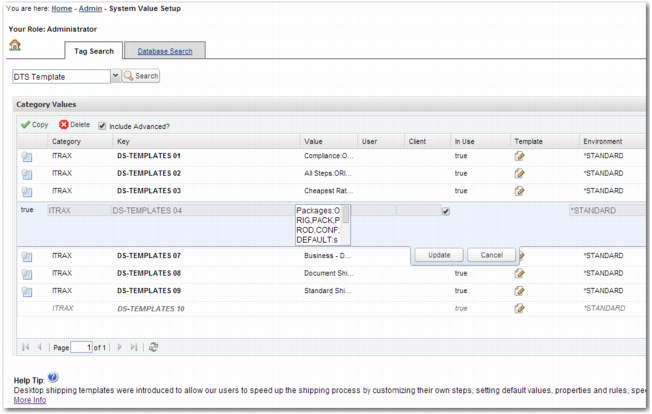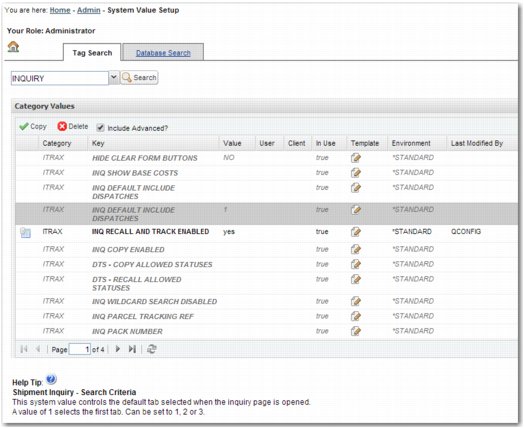
Field | Description |
If the system value exists in the database, the following icon appears in this cell:  | |
Category | The category associated with the system value. |
Key | The key associated with the system value. |
Value | The value assigned to the system value. When the system value exists in the database, the In Use field is set to true, and the value field is blank, the default value for the system value applies. |
User | The user associated with the system value. For more information, see System Value Granularity. |
Client | The client associated with the system value. For more information, see System Value Granularity. |
In Use | This field must be selected for the system value to take effect. To disable the system value, clear this field. |
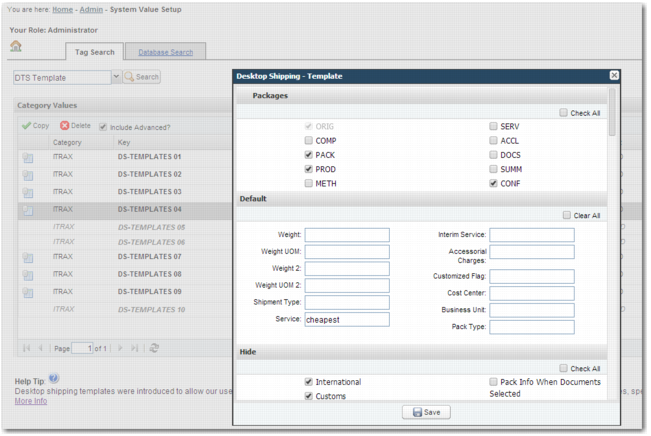
Template | Click the icon in this field to modify the value of the system value. This template may be a text box or a template with multiple fields. |
Environment | The environment that the system value relates. For more information, see System Value Environments. |
Last Modified By | The user who most recently modified the system value. |
Last Modified Time | The time when the system value was most recently modified. |