Edit a Stores Requisition List
Change the Status of a Stores Requisition List
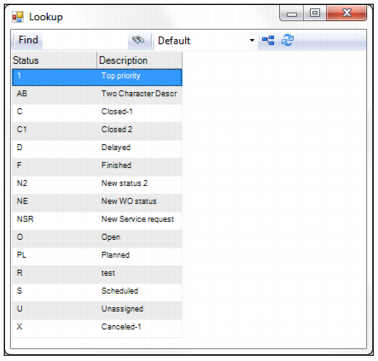
To change the status of a stores requisition list, highlight the requisition list header and select Change Status from the Action menu. A lookup window opens. Double-click to select the new status from the list.
Note: The statuses for stores requisition lists are user-defined. To add or delete a status, see
Work Order Status Codes.
Change Status of a Stores Requisition List
Reopen a Closed Stores Requisition List
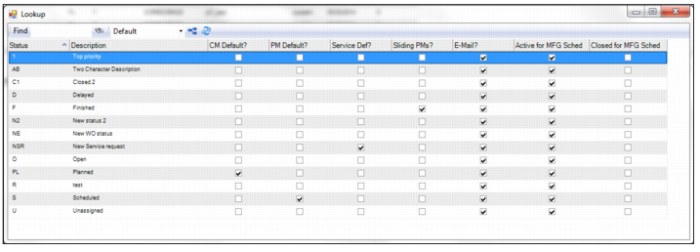
To reopen a closed stores requisition list, select the requisition list header and select Reopen from the Action menu. A lookup window opens, displaying a list of the statuses. Double-click to select the status.
You can set whether stores requisition lists can be reopened by selecting the Open Stores? check box on the Inventory tab in the Domain record. See
Domain: Inventory Tab.
Reopen a Stores Requisition List