Viewing Source Transactions
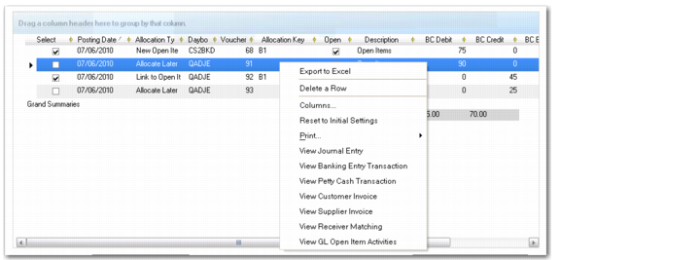
In GL Open Item Reconciliation (25.15.2.13), you can right-click on a transaction in a grid and select an option to view the transaction source.
GL Open Item Reconciliation, Right-Click Menu
In the example shown in
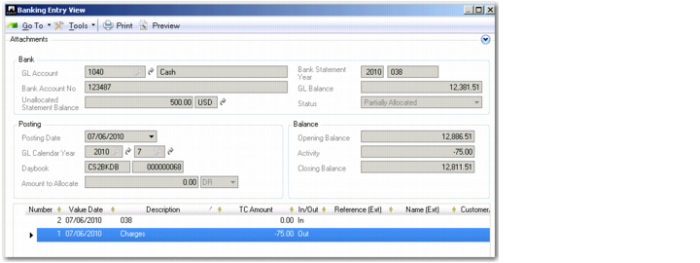
GL Open Item Reconciliation, Right-Click Menu, the grid entry line relates to a banking entry transaction on the open item account. If you select View Banking Entry Transactions, you can see the originating transaction in Banking Entry View (31.1.3).
Banking Entry View (31.1.3)
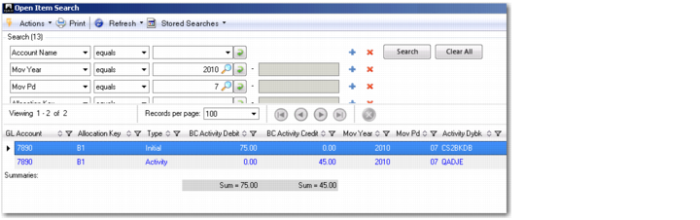
If the line is allocated, you can select View GL Open Item Activities in the right-click menu in the GL Open Item Reconciliation grid to view all activities for the same allocation key. See
GL Open Item Activity View for more information on this view.
GL Open Item Activities