Selecting Orders
Once you specify criteria to select orders and click Next, the system displays orders that match that criteria.
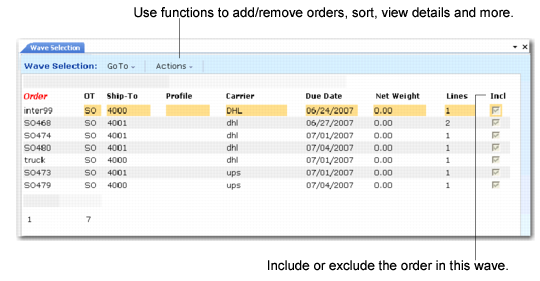
Wave Selection (4.15.3), Order Display depicts the order display.
In the Include column, press Enter to toggle between Yes and No to select or deselect the orders to include in the wave.
Use additional functions in the order display to further customize your order selections for the wave. Use function keys at the bottom of the list of orders or if using the .NET UI interface, select Actions for additional functions. Press R to refresh the display, D to display details of an order, W to display the workload of an order, U to undue, and H for help. When you press H for help, additional sort and editing options display.
Click Next to complete wave selection.
Wave Selection (4.15.3), Order Display