Configure QAD UI Components
This section discusses the configuration activities you perform after deploying the QAD UI components. These steps are:
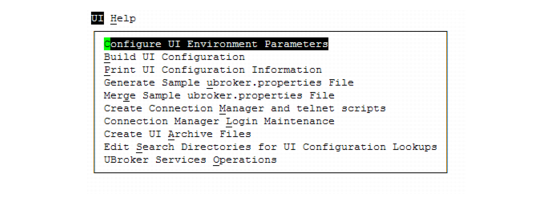
During the installation activities, MFG/UTIL on the database server was updated with the functions needed to configure a QAD UI system. When you launch MFG/UTIL, choose UI to view the UI-specific menu options. Only the options used for a single-tier installation are discussed in this section.
During QAD UI configuration, you must specify the database set to use. If you have created .pf files manually without using MFG/UTIL functions, you can import these files into MFG/UTIL using the Import .pf Files to Database Set function on the MFG/UTIL Configure menu.
MFG/UTIL UI Menu Options